
Groceries in.
Guesswork out.
Scan barcodes, review the details, and give everything a home. Even the big weekly shop.
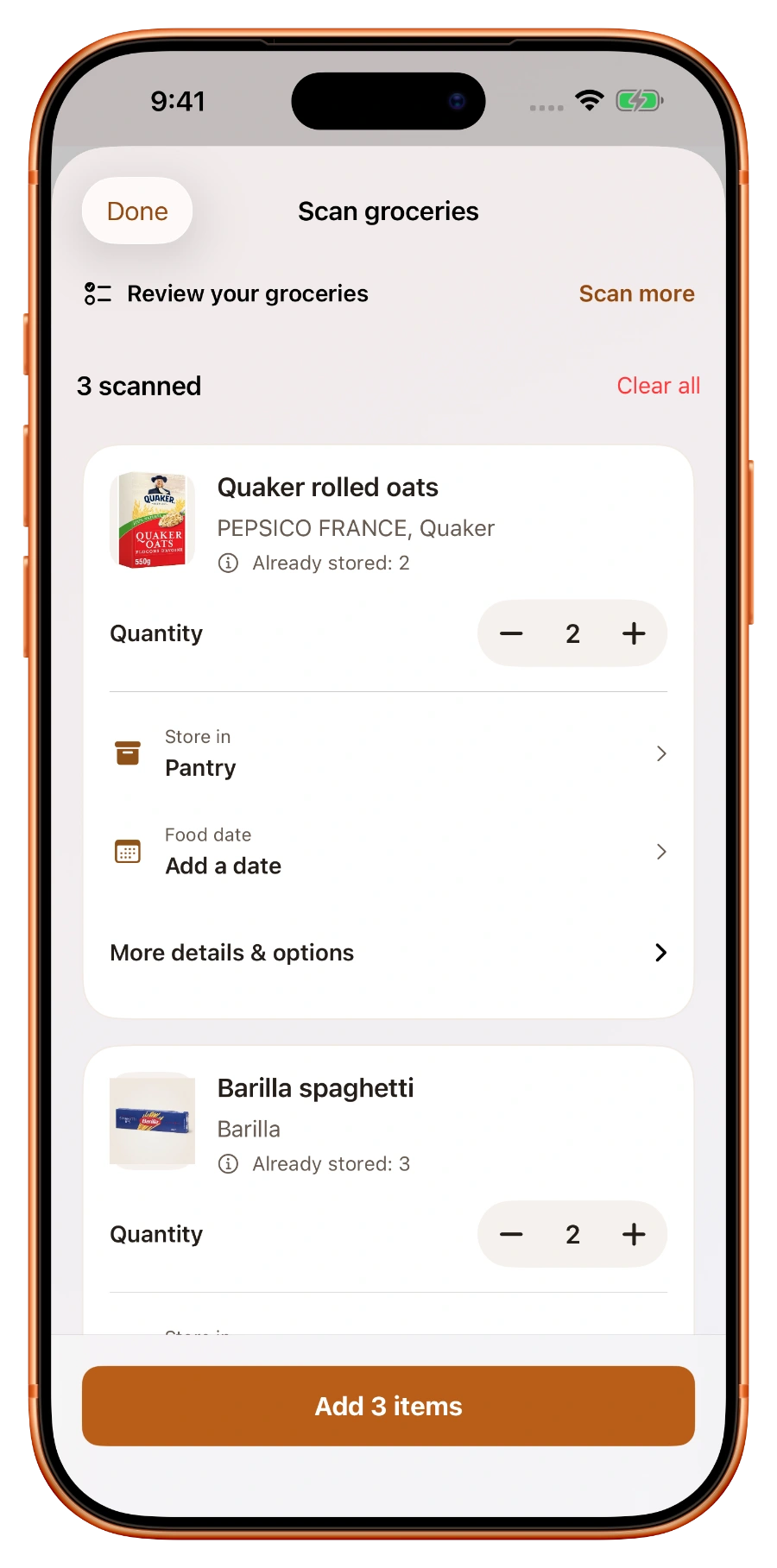
Track your pantry, fridge, and freezer, see what to use first, waste less food, and bring home just what you need.
Made for iPhone & iPad · Free to download
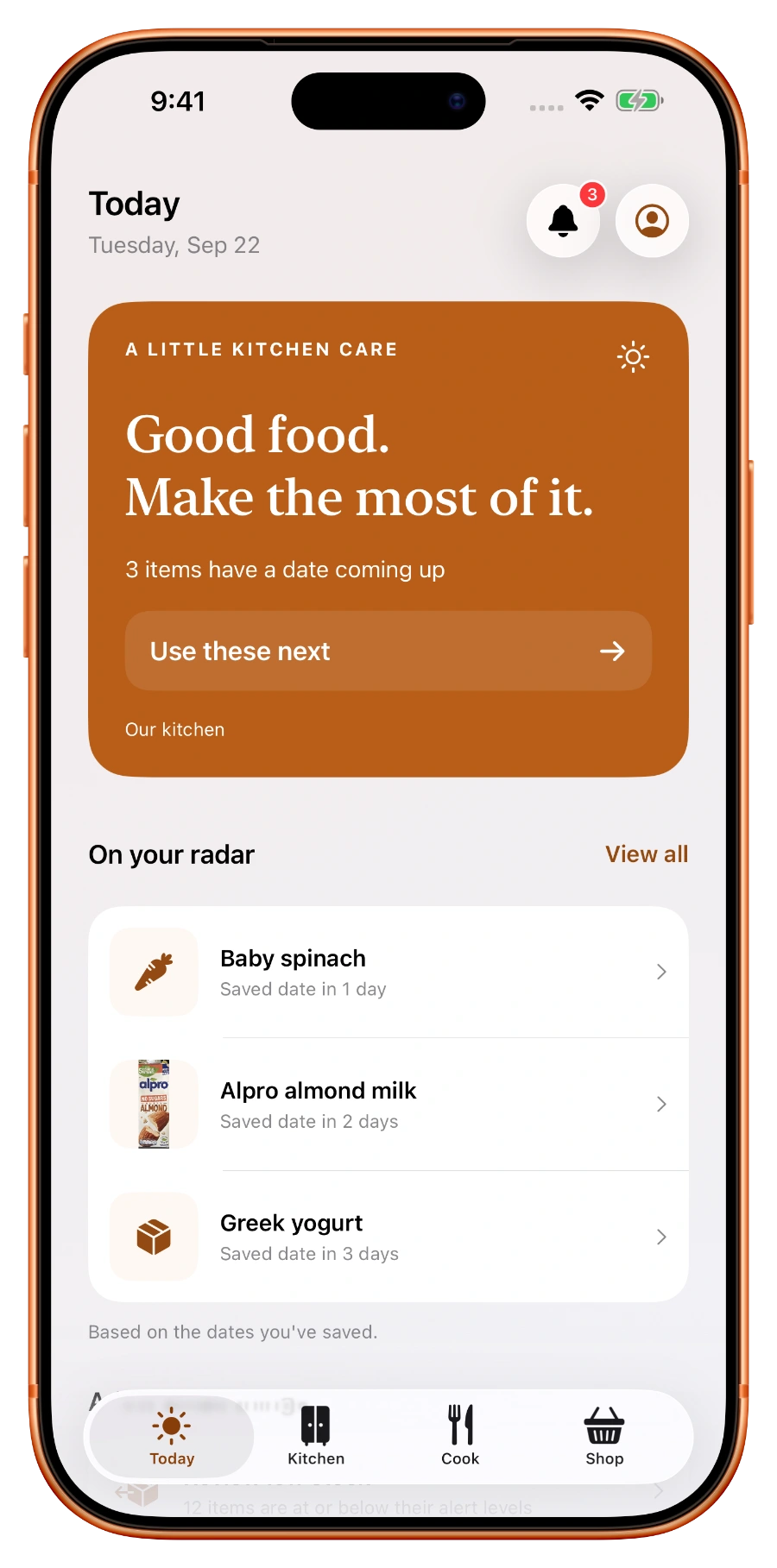
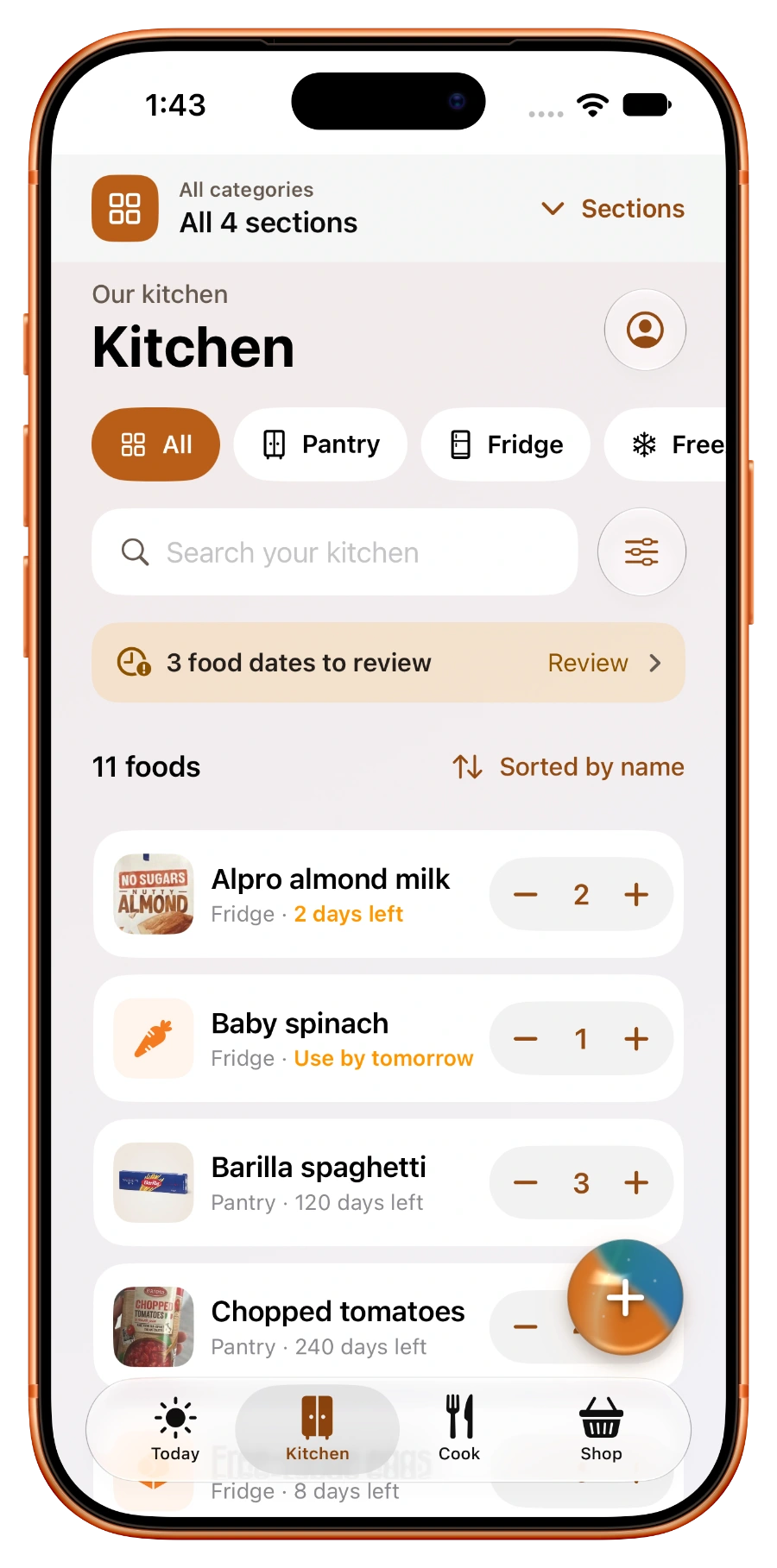
From “what do we have?” to “dinner’s ready.”
Your pantry, fridge, and freezer, together at last. Find that half-forgotten ingredient and know what’s already at home before you buy more.
Real app captures with sample kitchen data. Screen layouts vary by device and app version.
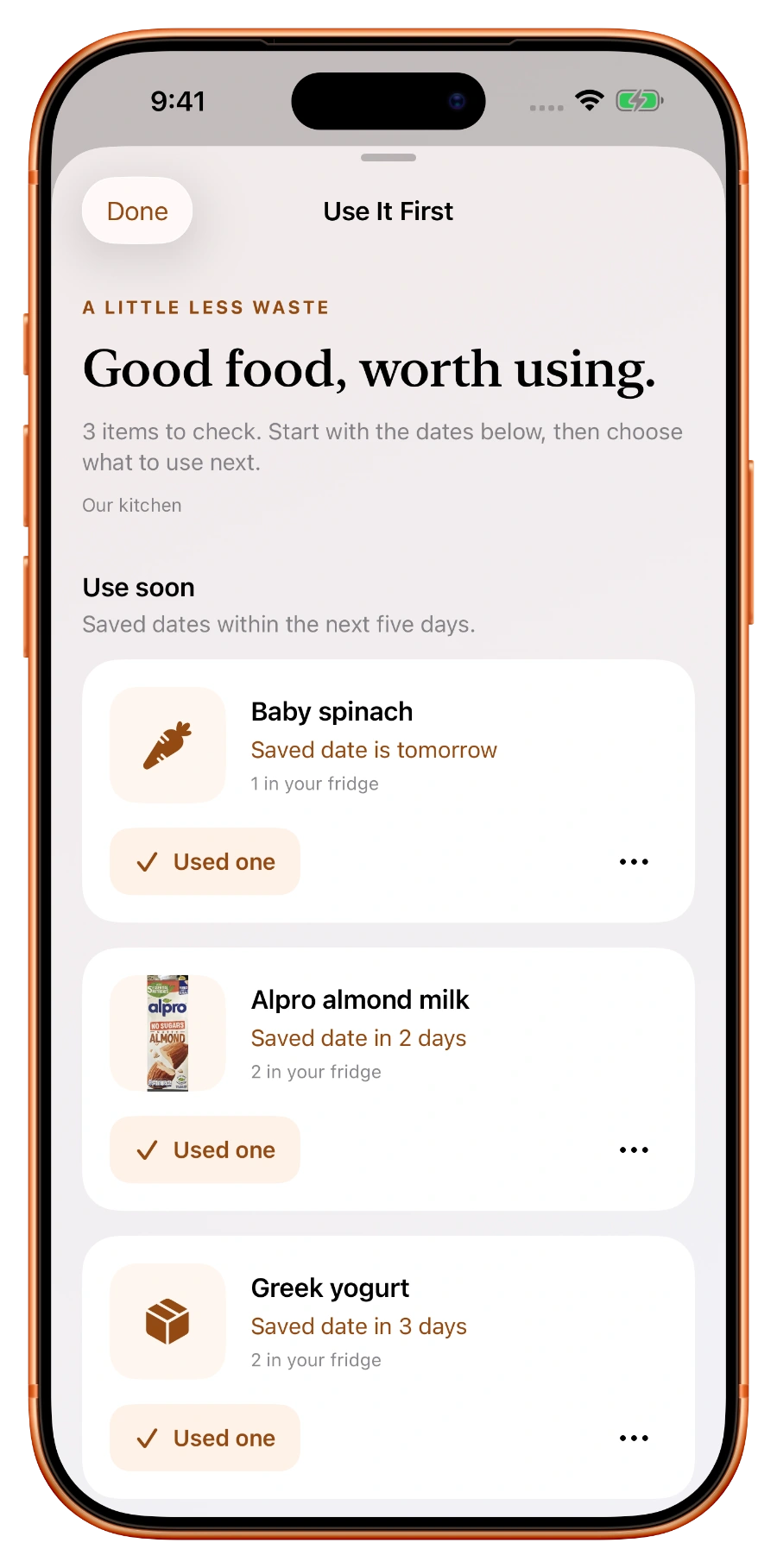
See what needs using next, grouped by your saved food dates. Review it, then choose what to do.
Saved dates are reminders, not a food-safety check. Always check the food yourself.
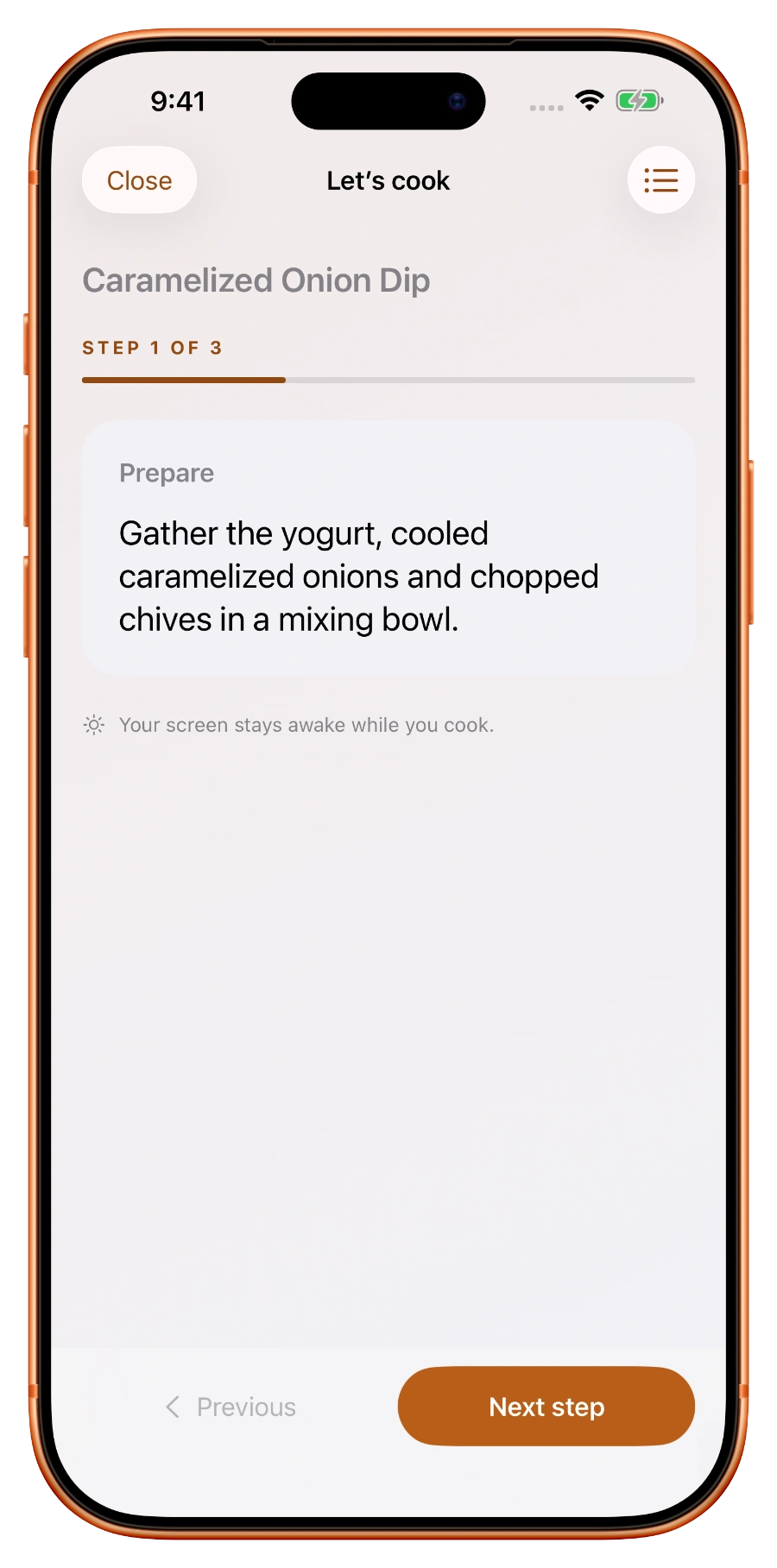
Put your food to good useFind a recipe that fits your kitchen, choose your portions, and take it one step at a time.
Follow clear instructions with a screen that stays awake while you cook.
Choose portions, plan your meal, and add missing ingredients to your shopping list.
Less keeping track. More getting on with your day.
Scan barcodes, review the details, and give everything a home. Even the big weekly shop.
Share your inventory, shopping list, and notes. Everyone can see what’s at home and what to pick up.
Pantry, fridge, and freezer tracking. Barcode scanning. Shared household inventory, shopping lists, and notes.
Try a pantry-matched recipe preview before you subscribe.
Full recipe discovery, saved recipes, meal planning, guided cooking, and Smart Refill for your next shop.
See Pro in the appOptional subscription. Current plans and prices are shown in the app before purchase.
Keep Today’s priorities and food to use next side by side. Move between Kitchen, Cook, and Shop from the sidebar.
Meet PantryVault for iPad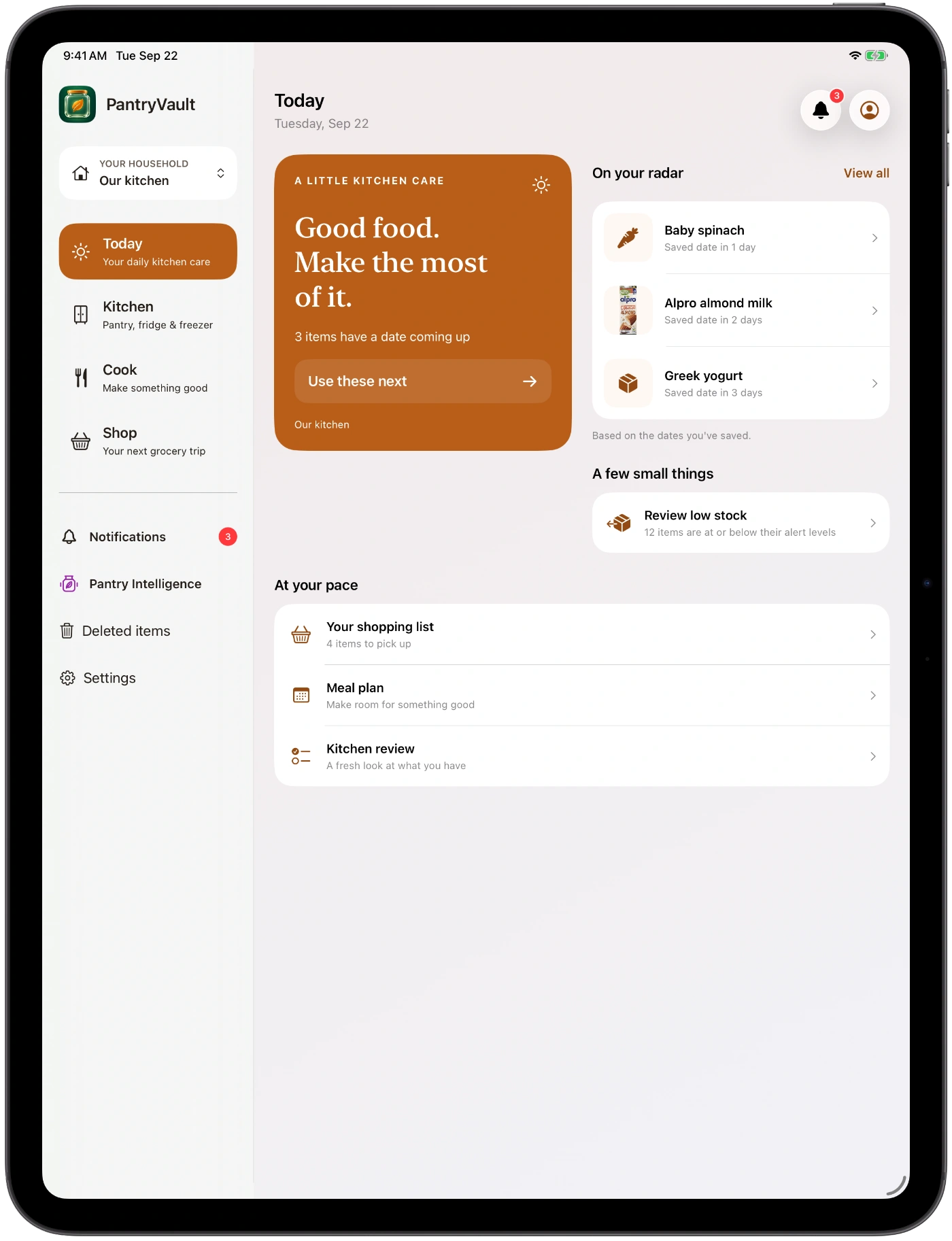
Check Today on the outer display. Open Duo to browse your inventory beside a use-next overview, with quick actions close by.
Get PantryVault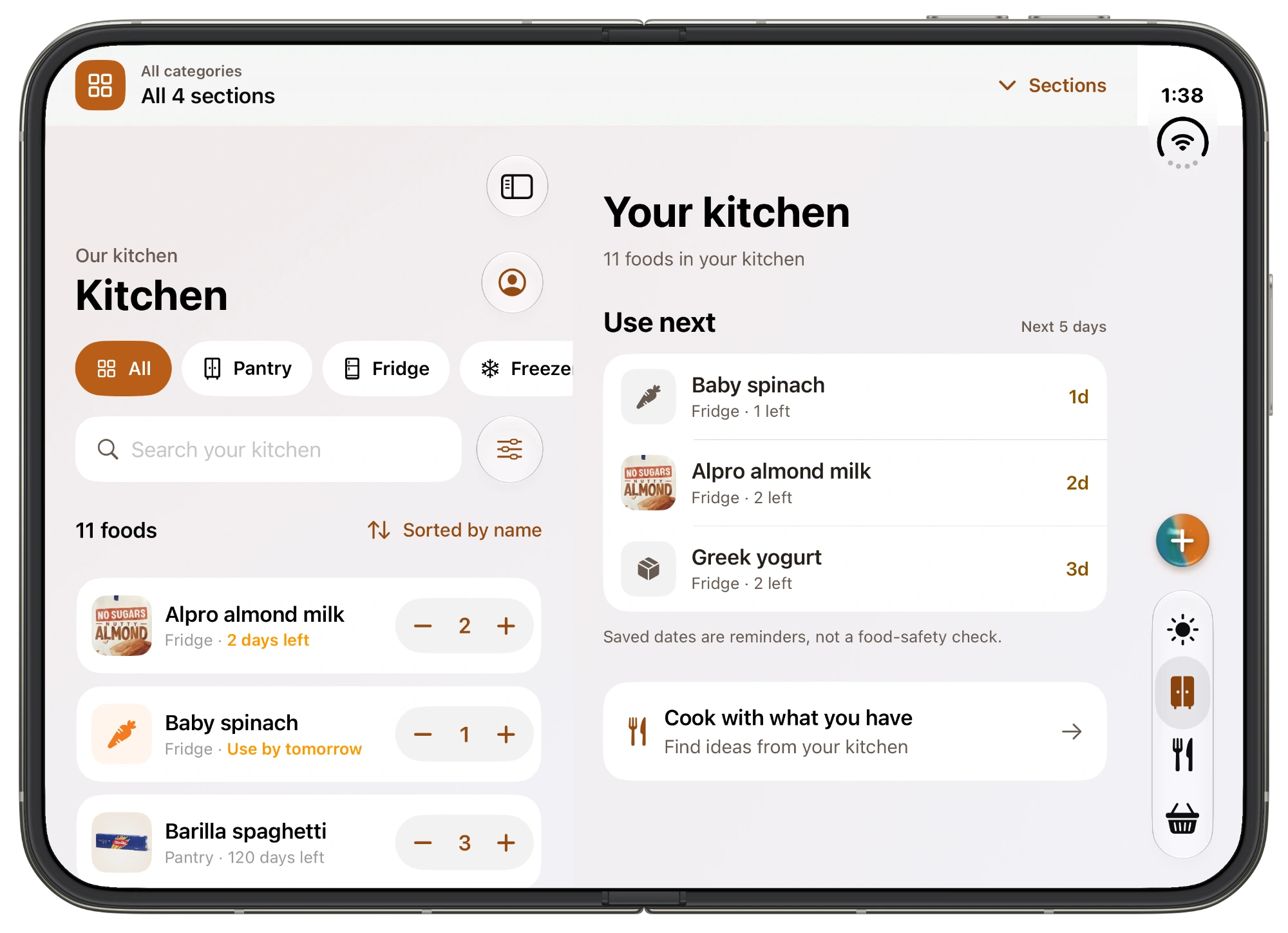
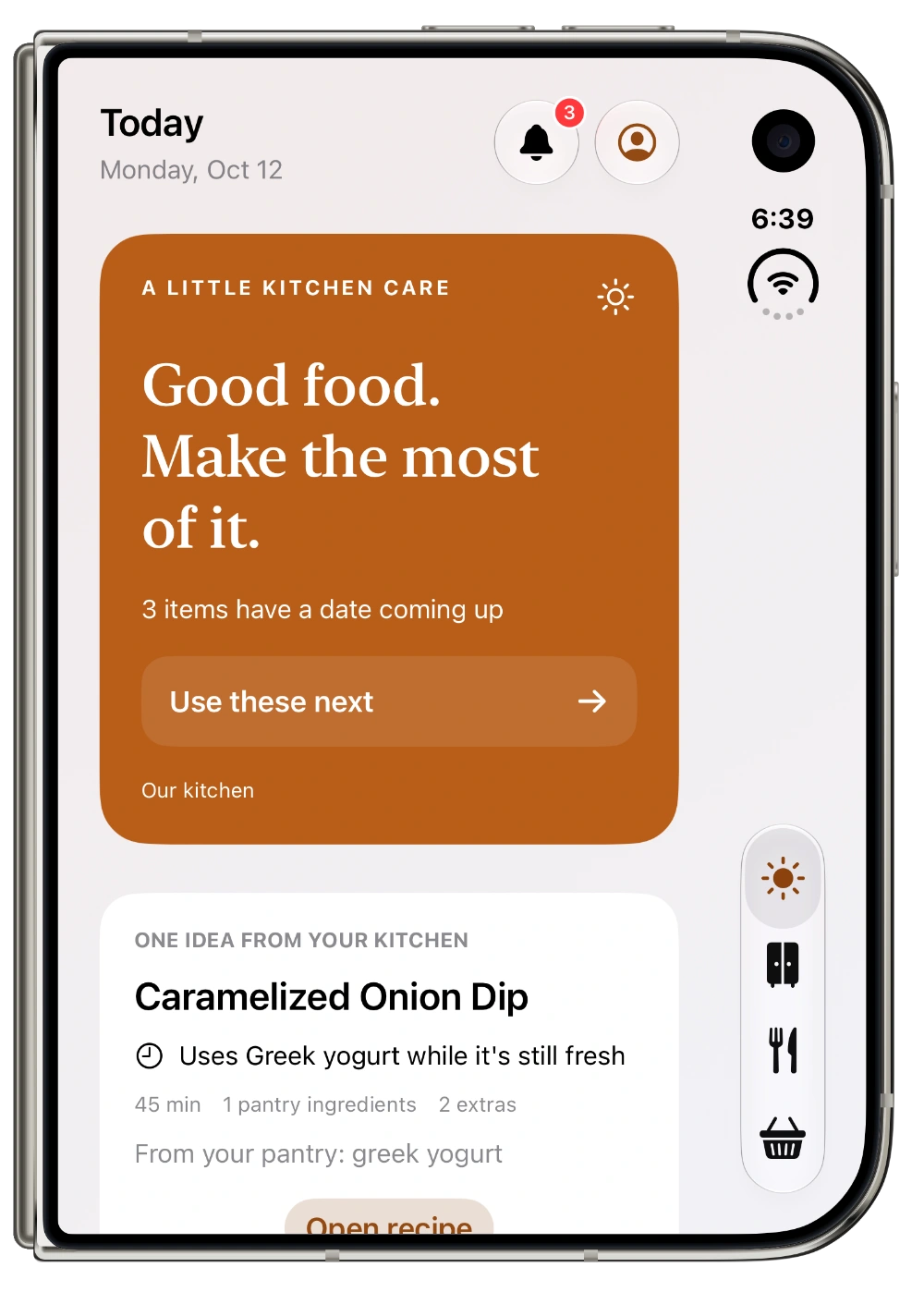
Real app captures with sample kitchen data. Select a screenshot for a closer look. Image credits
Organize food across your pantry, fridge, and freezer. Add quantities, food dates, and named storage sections, so you can find what you have and decide what to use next.
Yes. Household sharing keeps your inventory and shopping list connected, so everyone can see what’s at home and what needs picking up.
Pantry Intelligence brings together saved food dates and household activity to highlight what to use soon and suggest what to check before your next shop. Suggestions stay reviewable—you remain in control.
Yes. Track your kitchen, scan groceries, and share with your household for free. Try a pantry-matched recipe preview before subscribing. Pro adds full recipe discovery and Smart Refill; current subscription prices are shown in the app.
The outer display gives you a compact view for quick kitchen check-ins. On the wider inner display, Kitchen can show inventory alongside a use-next overview, with navigation and quick actions on the side. The screenshots above show the two layouts with sample data.
Yes. PantryVault is made for iPhone and iPad. The redesigned iPad experience gives your kitchen room to spread out, with a sidebar on wider windows and layouts that adapt to your screen.
Choose from Harvest, Garden, Ocean, Berry, or Slate, or create your own colors. Pick light, dark, or system appearance. You can also switch between the New and Classic app experiences in Settings.
Your next good meal might already be in your pantry.
Get PantryVault for free For iPhone & iPad. With optional Pro features.